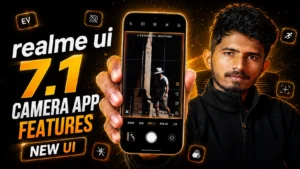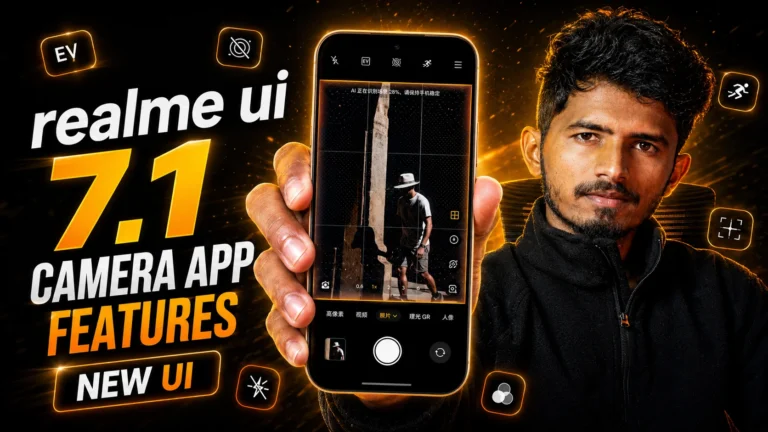
Realme is ready to release the Realme UI 7.1 update for eligible devices. Here is the first updated app of Realme UI 7.1 that you can try on your device.
Realme UI 7.1 is based on Android 16 with all new features. so lets explore latest features, installation process, supported devices, bugs, and everything you need to know about the new camera application.
What is the Realme UI 7.1 Camera App?
The Realme UI 7.1 camera app is an upgraded camera app update based on Android 16 version.
- A redesigned camera UI
- New control placements
- Enhanced animations
- Better accessibility
- Improved video settings
- Advanced camera modes
Changes in the New Realme UI 7.1 Camera App
Redesigned Interface
- Shutter button moved to the bottom center
- Settings relocated for easier access
- Cleaner night mode interface
- Improved menu organization
- Smoother animations throughout the app
Enhanced Video Recording
- Support from 180p 30FPS to 4K 60FPS
- Easier flash control access
- Additional settings inside the six-dot quick menu
- Better UI for switching resolutions and frame rates
Camera Modes
- Photo Mode
- Video Mode
- Night Mode
- Street Mode
- Pro Mode
- Panorama
- Slow Motion
- Movie Mode
- High Resolution Mode
- AI ID Photo
- Group Portrait
Realme UI 7.1 Camera App Installation Guide
- Download the latest version of Realme ui 7.0 camera from here
- Install camera app update
- Open camera app and allow all the required permissions
How to uninstall Realme UI 7.1 camera app update
- Long press the Camera app icon
- Open App Info
- Tap “Uninstall Updates”