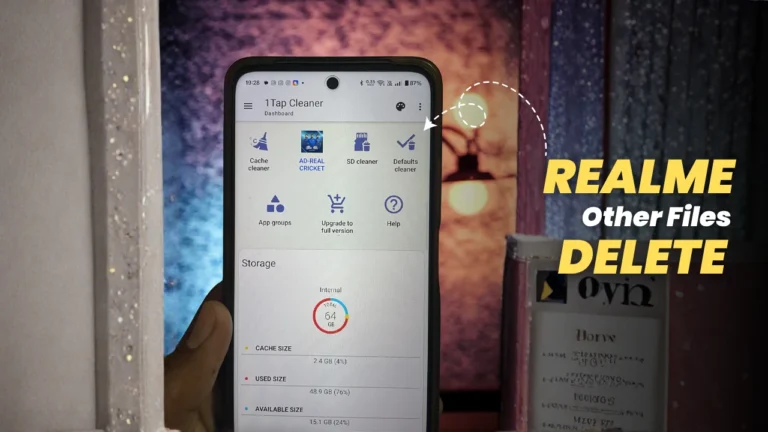
Hellow Realme users I hope you are doing well and good. All realme devices have other files section in storage option.And users can not clear this storage with realme phone manager too. So here is the exact way to clear / delete Realme other storage.
So the very first thing is that. This other section storage has cache files and logs files of installed apps and With the major updates of android version users can not clear cache files of all apps at a time.
By clearing cached files of all installed apps can clear you other files section. So what are the cache files ? It is simply a temporary data stored of apps and websites to deliver seamless experience on apps and websites.
But some times these cache files can be of some GB in size and also it can occupies more space on your device.
Will your lose your data after clearing cache files on your system? No users do not lose any data within app, Clearing old cache files can help free up storage space on your device.
Steps to Clear Realme Other Files
As I told you most of the data in other files is the cached files of installed apps, so lets clear this by following method.
- Go to below link and get the 1 tap clear app from Google play store only.
- Download and install app and then just launch it.
- Now open app and allow all the required permissions. (App will as for some permissions to perform important tasks on device while cleaning data only)
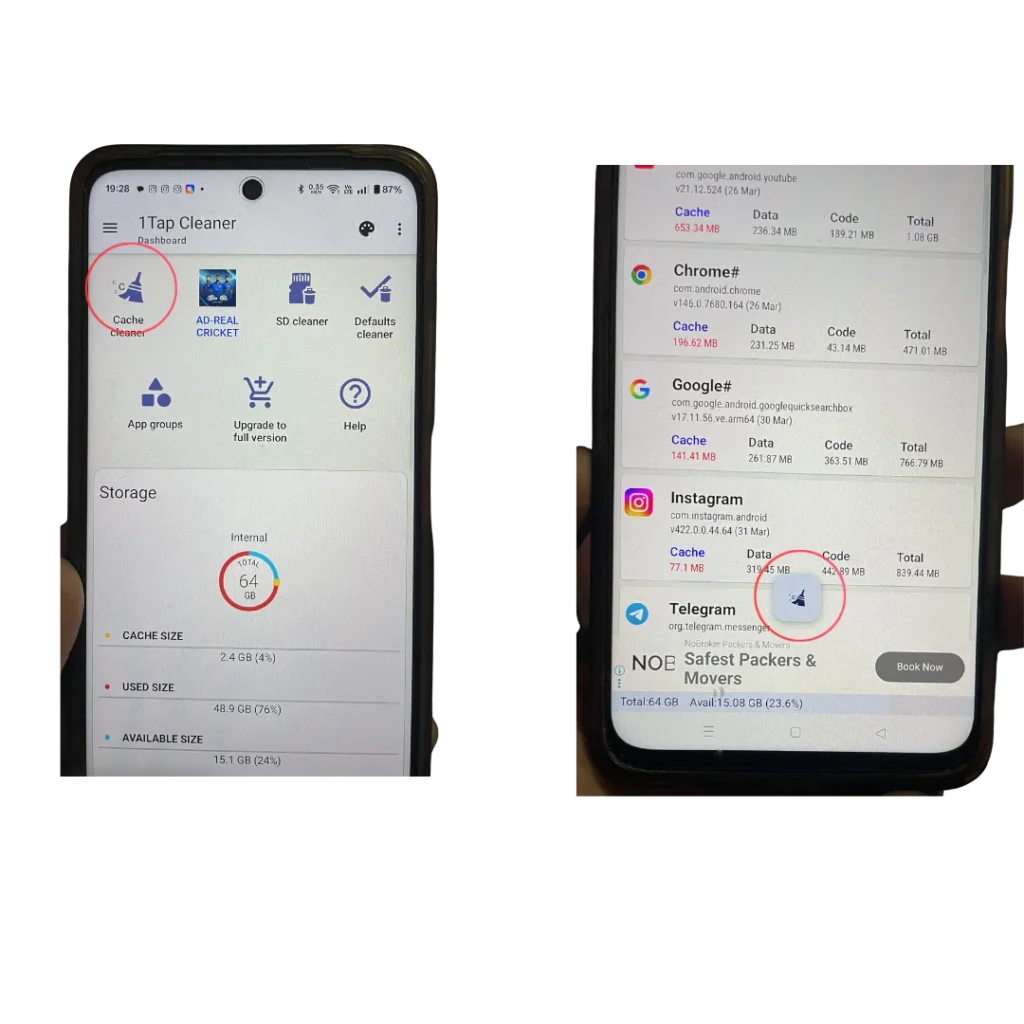
- Click on Cache Cleaner button (Let app calculate the cache files).
- Click on cleaner button at bottom
- Select “clear cache” mode to automatic only (This will make process smoothly)
- Follow Screenshot for detailed.
Screenshots
Delete Hidden Files
Also check for system hidden files that you can delete from your device. These hidden files also can make some free space on device.
- Open File Manager (I would suggest use ES file manager from Google playstore)
- Go to settings and Enable Show Hidden Files
- Check for folders like .thumbnails , Temp, Cache
- Delete unnecessary files