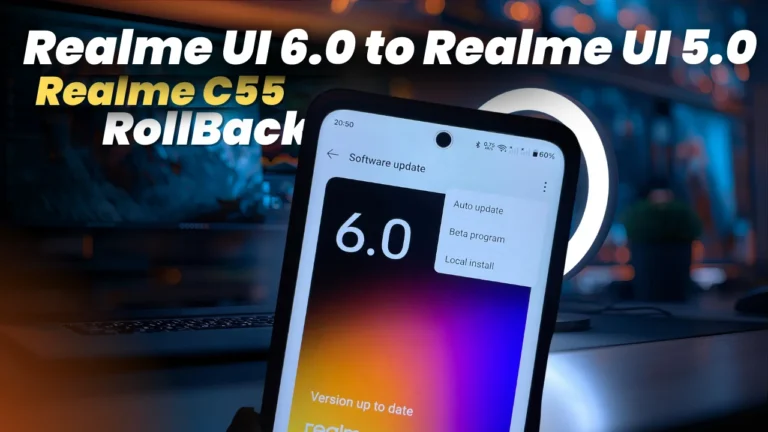
Hi Realme C55 users, All of you are using Realme UI 6.0 Android 15 update but most of users with Realme UI 6.0 are not satisfied. The reason is device performance with this major update is not that much of top to notch.
Realme UI 6.0 is the major update which is heavy update and has a lots of features for flagship devices only. But for entry level devices all features are limited, So being on Realme UI 6.0 on entry level devices does not makes much sense. On other hand it also causes lags and heating issues on Realme C55 or entry level devices.
So the last option that we have is to downgrade this devices with Realme UI 5.0 Rollback Package. All users can downgrade their devices with downgrade / rollback package. User just have to flash the rollback version on their device.
How to Downgrade Realme C55 from Realme UI 6.0 to Realme UI 5.0
- First step is to Enable Developer Mode
- Go the device and navigate to Settings > About device > Version.
- Rapidly tap on “Version Number” at least 7 times.
- It will unlock developer option
Next step is to download rollback package of Realme UI 5.0, which we can flash on our device.
- Download Realme C55 Android 14 package from Here
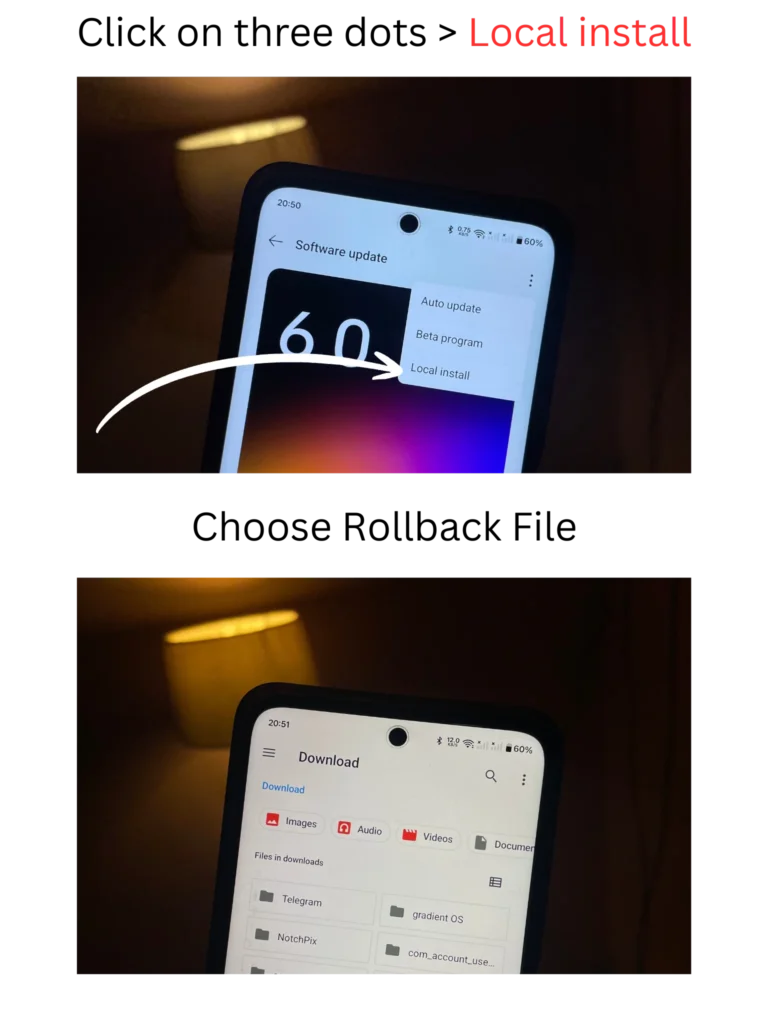
- Go to device settings > About Phone > click on Realme UI 6.0 > Click on Three dots at right corner.
- Touch on “Install Local”
- Chose the Downloaded package and began installation.
- Follow the steps mentioned on Screen and proceed to installation.
- Make sure that not to interrupt the installation.
Step by Step installation screenshots
Note: Charge your device enough before starting installation. Low battery may lids to interrupt the installtion.