Hey Realme UI 7.0 users I hope all of you are doing well and good. So after long wait realme has released the realme UI 7.0 the major update to all eligible devices. The best part about the realme UI 7.0 is all new customisations and new UI.
This update is purley inspired with IOS style. Dialer, Setting UI, Animations and all looks similar to IOS style.
Today we are talking about the system apps of Realme UI 7.0 that you can install on Realme UI 6.0 also.
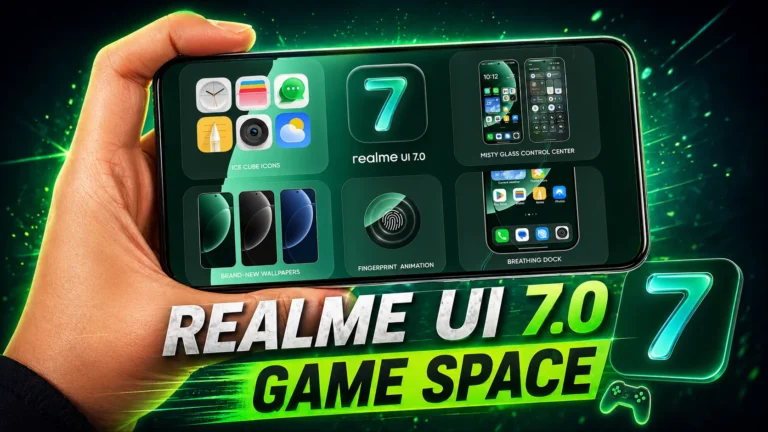
Here is the Realme UI 7.0 Game space updated version with all new features and UI updates. Realme UI 7.0 Game space is more efficient and powerful than Realme UI 6.0 Game space.
GT Mode, smart network switching, AI-assisted controls, and more features has be introduced with new update.
Key Features of Realme UI 7.0 Game Space
| Feature | Use |
| Holo audio | Better speaker immersion |
| AI comfort mode | Reduced eye strain |
| Voice changer | Change character Voice |
| GT Mode | Higher FPS , More powerful |
| Ultra Touch Control | Better responsiveness, Better Control |
| Network optimization | Can solve Lower ping |
| Gig Power Tuning | FPS stability |
Redesigned Game Space Interface
The new update of Game space comes with A refreshed icon design, Cleaner user interface this make it more unique.
GT Mode for Maximum Gaming
GT Mode is the most powerful mode to reach the all limits of devices and get the high performance. GT mode boosts CPU performance, GPU performance, Frame stability, Touch responsiveness. But the sad part is Not all Realme smartphones fully support GT Mode.
Gig Power Tuning
First time Realme has introduced the Gig Power Tuning. Get more control on GPU and CPU usage allowing users to manually adjust CPU and GPU frequencies. Running on high frequency may leads to fast battery drain and heating device.
Ultra Touch Control
Get better control on touch response and avoid mistouch while gaming. Make touch more responsive and accurate for seamless realtime gaming.
Bypass Charging
This feature will stop charging to battery and supply power directly to the mother board. Just to avoid the overheating of device. Cause heating of device can cause the lag in game.
Best Realme UI 7.0 Game Space Settings for Gaming
| Basic Gaming | Competitive Gaming |
| Balanced Mode | GT Mode: ON |
| Smart Touch Control | Championship Mode: ON |
| Quick Startup ON | Ultra Touch Control: Ultra |
| Bullet Notifications ON | Network Optimization: ON |