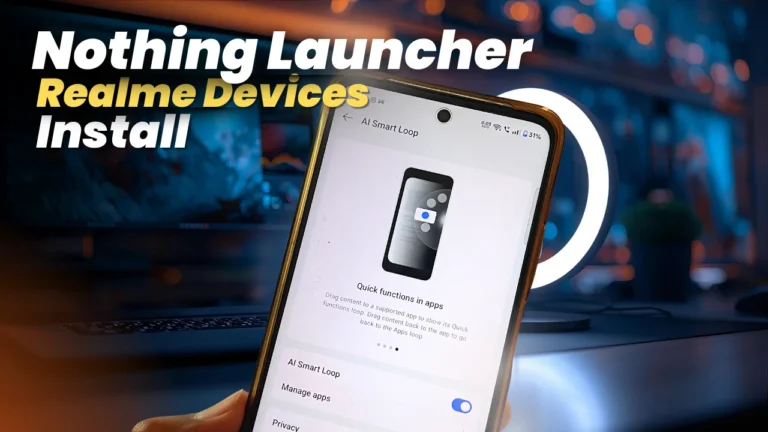
Nothing launcher is one of the best and minimal launcher now days. And the best part is it can be installed on any Android device. As being minimal also this launcher has some interesting features like large and unique widget styles. New clock style, Icon packs and more.
Nothing Launcher highlighting Features
Clean interface – Nothing launcher is one of the clean and minimal launcher among the all launchers
Support– With latest update now nothing launcher supports all Android devices above the Android 11+, Initially it was limited for Samsung, Pixel devices.
Icon Packs– Minimal and Clean icon packs make devices looks classy
Widgets– Nothing Launcher have unique and large style widgets (Clock,weather and more)
How to install Nothing Launcher on Realme Devices
- Installing Nothing launcher on Realme devices is so simple just follow below steps-
- Go to below Download link and download official version of nothing launcher
- Tap and began installation on your device
- Set nothing launcher as default launcher
- Done