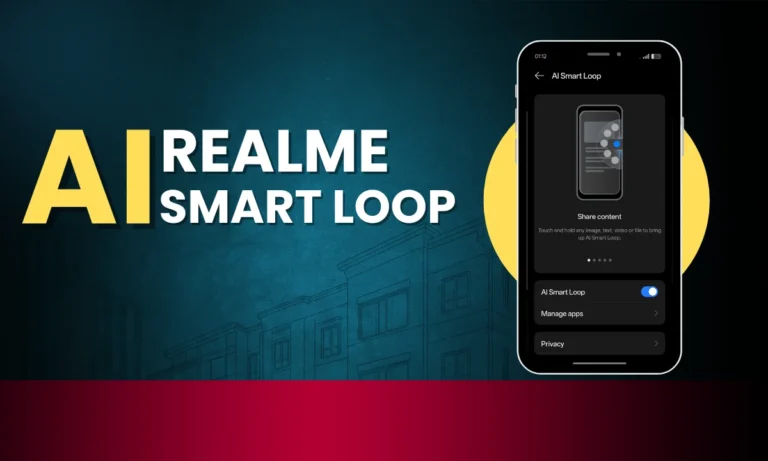
Realme AI Smart Loop Enable with these steps – Hey Realme UI 6.0 users, already the Realme UI 6.0 OS update comes with bunch of feature and design. Some highlighting features like Flux theme, AI smart loop, Apps animations and more.
Some Feature are missing from entry level devices like AI smart loop and Depth feature in Flux theme.
Today I am going to share you method to enable AI Smart Loop on your devices with Realme UI 6.0 only.
What is Realme AI Smart Loop Feature
This feature is to one touch delivery of content to any app from AI smart loop. For example if you took screenshot and you want to share this screenshot to whatsapp. Then just hold screenshot and drag it to edges if the device.
Now AI Smart Loop will be automatically activated. Users can Drag that content to any app from loop. This is seamless delivery is possible now by using AI Smart loop feature.
How to Enable Realme AI Smart Loop Feature
To enable Realme AI Smart Loop Feature on your device, you need to install Realme AI Smart Loop feature.
- Go to Below link and Download the required file.
- Install application and restart your device once
- Now Go to device setting
- Search for AI Smart Loop
- Enable it
- Done it is ready to use now.