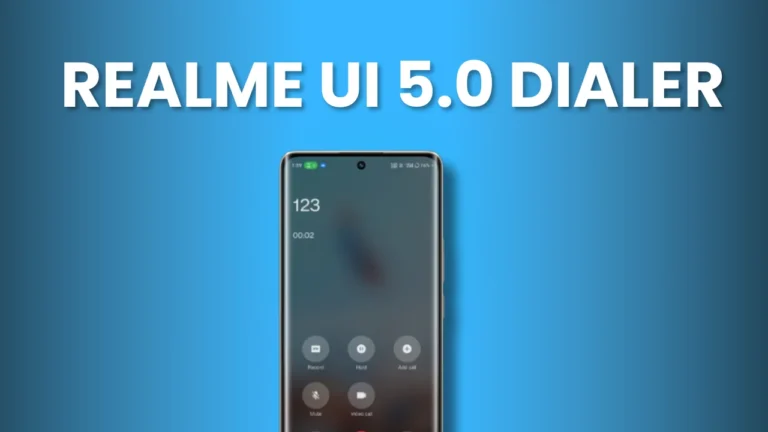
Realme UI 5.0 Dialer is the one of the best alternative to Google dialer on Realme and OPPO devices. most of the users now prefers to use Realme Dialer instead of Google Dialer due to lack of features in google Dialer.
Today we having the latest version of Realme UI 5.0 Dialer working on Realme UI 4.0 based on Android 13.
Need of Realme Dialer
Most important feature which makes Realme Dialer different from other Dialer is the Auto call recording with out making any call recording announcement. For Amoled display Realme offers edge lightning feature on calling and notifications. More exciting feature are in app that users can access.
Key Features of Realme Dialer
The Realme UI 5.0 Dialer offers several advanced features designed for convenience and efficiency:
| Feature | Description |
|---|---|
| Smart Dialing | Quickly find contacts by typing a name or number, with intelligent predictions. |
| Call Recording | Record calls seamlessly with no interruptions. |
| Blocklist | Block unwanted numbers to avoid spam calls. |
| Speed Dialing | Access frequently dialed contacts instantly with speed dialing options. |
| Contacts Management | Easily manage, edit, and organize your contact list. |
| Caller ID | Identify incoming calls, even from unknown numbers. |
| No Call Recording Announcement | Record calls discreetly without notifying the other party. (Automatic/manually) |
How to Replace Google Dialer with Realme Dialer
Replacing the default Google Dialer with the Realme Dialer is a straightforward process. Follow these steps:
Install Realme Dialer
- Ensure the Realme Dialer app is installed on your device.
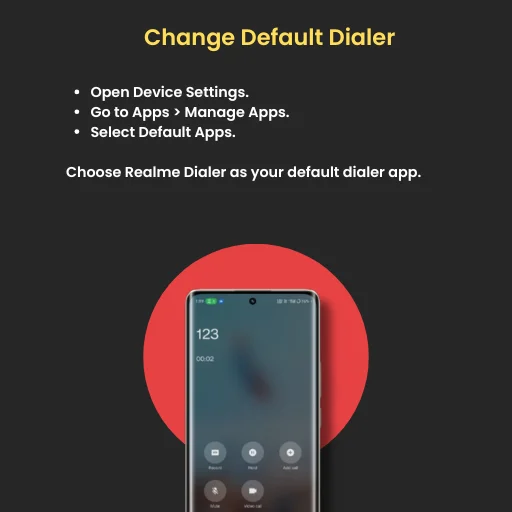
Change Default Dialer
- Open Device Settings.
- Go to Apps > Manage Apps.
- Select Default Apps.
- Choose Realme Dialer as your default dialer app.
Confirmation
- The Realme Dialer is now set as the default app for managing calls.
How to Use Realme Dialer
Follow these steps to get started with the Realme Dialer:
Install the App
Download and install the Realme or Oppo Dialer from the official source.
Grant Permissions
Upon opening the app, grant necessary permissions for SMS, calls, and contact access.
Customize Settings
- Open the Dialer Settings.
- Enable Auto Call Recording if needed.
- Adjust other settings to suit your preferences.
Set as Default Dialer
Make Realme Dialer your default app for a seamless experience (see the steps above)
Realme UI 5.0 Dialer App Deatails
| App Name | Realme UI 5.0 Dialer |
| Version | Latest |
| App Size | 40MB |
| Support | Android 12+ |
| Auto call recording feature | Yes |
| Manual call recording feature | Yes |
| Download Link | Given Below |
Realme C55 Realme UI 6.0 Update: Official Roadmap