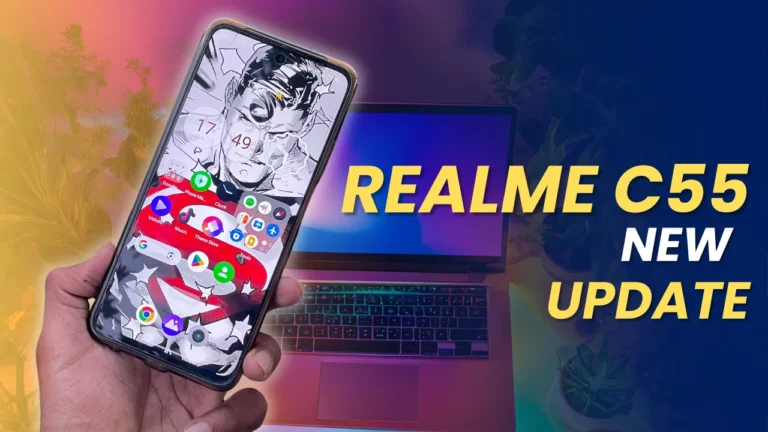
Realme C55 November 2024 Update: Here is the new update for Realme C55 users. After the wait of two month realme has released the latest update of Realme C55 devices. The latest firmware version is RMX3710_14.0.0.1200(EX01) has been released officially now.
Realme has rolled out the latest update for the Realme C55, offering improved security, system optimisation, and enhanced performance. This update brings the Android 14 experience combined with Realme UI 5.0, keeping your device up-to-date with the latest software advancements and security protocols.
Update Details
| Details | Information |
|---|---|
| Device | Realme C55 |
| Update Version | RMX3710_14.0.0.1200(EX01) |
| Update Size | 800 MB |
| Operating System | Android 14 |
| UI Version | Realme UI 5.0 |
| Security Patch | October 2024 |
| Release Date | November 2024 |
Key Improvements
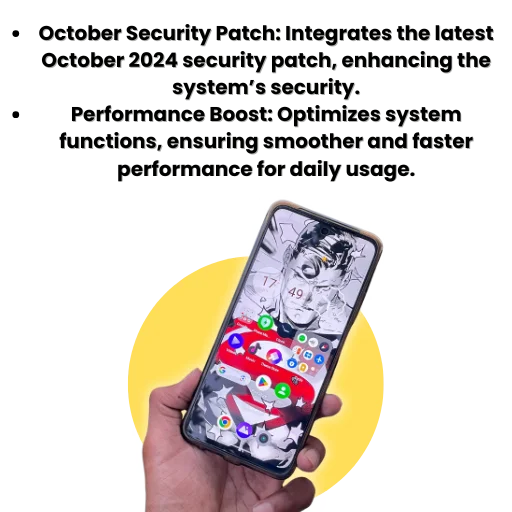
- October Security Patch: Integrates the latest October 2024 security patch, enhancing the system’s security.
- Performance Boost: Optimizes system functions, ensuring smoother and faster performance for daily usage.
How to Install the Realme C55 November 2024 Update
Go to Device Sttings
- Open the Settings app on your Realme C55.
Select “About Phone”
- Scroll down and tap on the About Phone section.
Check for Update
- Look for the Check for Update option, and select it.
Download and Install
- If the Realme C55 November 2024 Update (RMX3710_14.0.0.1200(EX01)) is available, tap on Download to begin the installation.
Restart and Complete Installation
- Once the download is complete, your device will restart to complete the update installation.
FAQs
How large is the Realme C55 November 2024 Update?
The update is approximately 800 MB in size. Ensure you have sufficient storage and a stable Wi-Fi connection before starting the download.
What improvements does the Realme C55 November 2024 Update provide?
This update enhances system security with the October 2024 security patch and optimizes device performance for a smoother experience.
Do I need to back up my data before updating?
It’s always recommended to back up your data before any major system update, although this update is designed to install without data loss.
Why don’t I see the update on my Realme C55?
Updates are rolled out in stages. If it’s not visible, check back later or try refreshing the Check for Update section in Settings.
Importent note
- Charge Your Device: Ensure your Realme C55 has at least a 50% charge before beginning the update.
- Use Wi-Fi for Download: For stability, connect to Wi-Fi as the update is 800 MB.
- Avoid Interruptions: Avoid using your phone for other tasks during the installation to ensure a smooth update process.